Website Redesign Checklist (2026): Before, During and After Launch, Without Losing Your Rankings

By Nick Croce
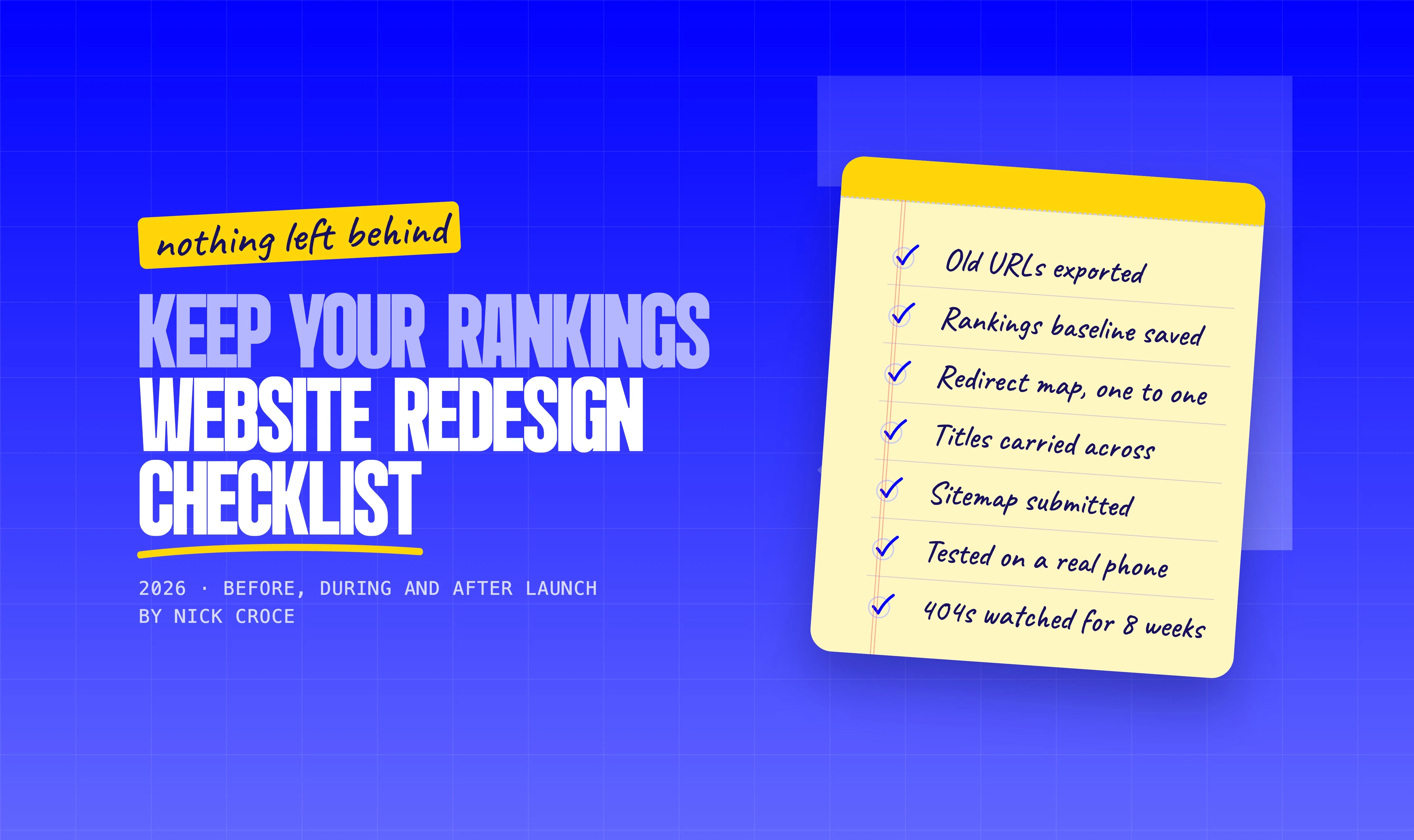
Most website redesigns don't fail on the design. They fail on the Tuesday after launch, when someone notices the enquiry form hasn't sent anything since Friday, or six weeks later, when the rankings the old site had quietly built up have gone and nobody can say why.
I've redesigned a lot of websites, most of them for businesses whose old site had been live for years and had picked up real traffic along the way. This is the checklist I work through on every one, written for the business owner rather than the developer. You can hand it to whoever is doing your redesign and ask them which boxes they've ticked. If they can't answer, that tells you something.
It's in four parts: before you start, planning the new site, the build and the SEO move, and launch and after. If you only read one part, read the SEO section. It's the part that gets skipped and the part that costs the most when it is. If you're still deciding whether you need a redesign at all, start with redesign versus refresh and come back.
Part 1: Before you start
Everything in this section is about capturing what you have, because once the old site is gone you can't go back and look. An hour here saves weeks later.
- Export every URL on the current site. The sitemap at yoursite.com/sitemap.xml is the quickest way, plus any pages that aren't in it. This list is the backbone of the redirect map later.
- Note which pages bring traffic and which rank. Google Search Console, Performance report, last 12 months, by page and by query. Download it. These are the pages you must not break.
- Record a baseline. Monthly visits, enquiries, calls, sales, top landing pages. Without a before, nobody can tell you whether the redesign worked.
- List who links to you. Search Console's Links report shows the external pages pointing at yours. Every one of those URLs needs to keep working after launch.
- Audit the content honestly. Page by page: keep, rewrite, merge or drop. Most sites have pages nobody visits and a few that do all the work.
- Write down what the site is for. One sentence. "Get law firms to book a call." "Sell the course." Every design decision gets tested against it.
- Agree who does what. Who writes the copy, who supplies images, who signs off, who owns the domain and hosting logins. Redesigns stall on missing logins more than on anything else.
Part 2: Planning the new site
Design comes last in planning, not first. A site planned around its content and its URLs is quick to build and safe to launch. A site planned around a mood board gets the content jammed in at the end and the URLs decided by accident.

- Content first. Final copy, or close to it, before the design starts. Designing around placeholder text is how you end up with a hero that only works with a four-word headline.
- Map old URLs to new ones. A spreadsheet: every old URL on the left, its new home on the right. Keep URLs the same wherever you can. Where a page is dropped, point it at the closest relevant page, not the homepage.
- Keep what ranks. If a page brings traffic, keep its URL, its title, its heading and the substance of its content. Restyle it all you like.
- Decide the platform deliberately. If you're moving platforms, know why. Squarespace versus Wix and WordPress to Squarespace cover the two moves I see most.
- Plan the mobile layout as a first-class thing. More than half your visitors are on a phone. A desktop design that "should work on mobile" is not a mobile design.
- Write a short design brief. Audience, tone, the three sites you admire and why, the things you never want to see. A page is enough. It stops the project drifting.
- Set the timeline and the budget in writing. For a typical UK service business redesign, three to four weeks and a fixed quote is normal. Open-ended projects don't finish.
Part 3: The build
The build is where a good designer earns the fee, and where you check that the things in Part 1 are actually being carried across rather than admired and left behind.
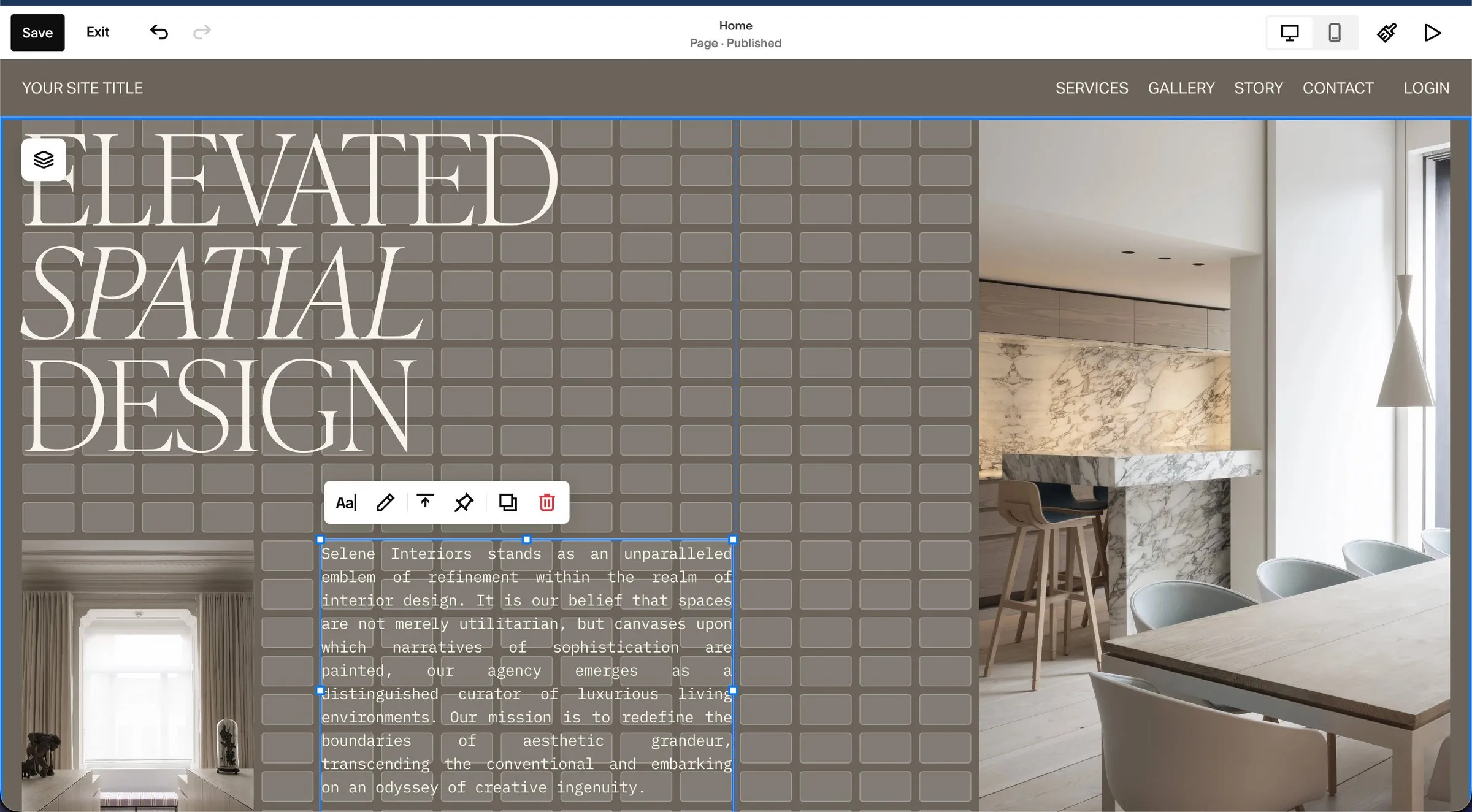
- Build on a staging site that search engines can't see. Password-protected or set to no-index. An indexable staging site creates duplicate copies of every page before you've launched.
- Carry over every page title and meta description. Then improve them. Don't let the platform generate new ones from the page name.
- One H1 per page, headings in order. It's how Google reads the page and how screen readers navigate it. Designers who use headings for visual size break both.
- Rebuild the internal links. Every link inside the content should point at the new URL directly, not at an old URL that redirects.
- Images: compressed, sized, with alt text. The old site's 4MB hero photo is not coming with you.
- Forms, tracking and integrations. Contact forms tested end to end, analytics installed on the new site before launch, booking tools and payment links checked against the originals.
- Speed and mobile checked on a real phone. Not in a browser's phone view. A real phone, on mobile data, from the car park.
- Accessibility basics. Colour contrast, focus states, keyboard navigation, labelled form fields. Cheap to do during the build, expensive to retrofit.
Part 4: The SEO move, so you keep your rankings
This is the part that decides whether the redesign helps or hurts. Google doesn't rank your design. It ranks pages at URLs, and it has spent years learning which of your URLs deserve to rank. A redesign that changes URLs without telling Google where everything went looks, to Google, like your site has been deleted and a new one has appeared.

- A one-to-one redirect map, finished before launch. Every old URL permanently redirected (a 301) to its new equivalent. Not everything to the homepage, which Google treats as a soft 404.
- Redirects tested, including the ones from other sites. Take the external links list from Part 1 and check each one lands on a real page.
- No redirect chains. Old URL to new URL in one hop. If the old site already had redirects, update them to point at the final destination.
- Titles, descriptions and headings carried across on the pages that rank. Changing a ranking page's title at the same time as its URL and its content is three changes Google has to re-evaluate at once.
- Canonical tags pointing at the new URLs. One version of each page, with and without trailing slash resolving to the same place, www or non-www picked and enforced.
- A new sitemap submitted in Search Console on launch day, with the old one removed if the platform changed.
- Structured data rebuilt. Organisation, local business, articles, FAQs, whatever the old site had. Check it validates.
- Robots.txt and no-index checked. The most common launch-day disaster is a site that goes live with the staging no-index still switched on. It happens to agencies with awards.
The redirects are the part I handle on every website redesign: page addresses kept where they can be, a 301 wherever one changes. The rest of this list is yours or your SEO person's to tick off. Nobody can promise you a ranking, but this is how you make sure you don't hand the old ones back.
Part 5: Launch day and after
- Launch on a quiet day with someone available. Not Friday at 5pm.
- Remove the no-index, submit the sitemap, request indexing for the homepage and the top pages in Search Console.
- Click through the site as a customer. Every link in the navigation and footer, every form, every button, on desktop and on a phone.
- Check the share preview. Paste the homepage into a LinkedIn or WhatsApp message and make sure the image and title show.
- Update every link that points at you. Google Business Profile, social bios, directories, email signatures, anywhere the old URLs were used.
- Watch Search Console for four to eight weeks. Coverage report for 404s and crawl errors, Performance report against the baseline from Part 1. A dip in the first two weeks is normal. A dip that is still there at week eight is a problem to find.
- Fix 404s as they appear. You will have missed some URLs. The Coverage report will tell you which. Redirect them.
- Decide who looks after it. A redesign is a reset, not a finish line. Sites that nobody owns go out of date within a year, which is usually how they ended up needing a redesign in the first place.
How long it takes and what it costs in the UK
For a typical service business site of five to fifteen pages, three to four weeks from kick-off to launch is realistic once the content is ready. The content being ready is the variable. Projects that take three months are nearly always waiting on copy.
On cost, a proper redesign in the UK sits in the same bracket as a new build, because it is one: the content and URLs come across, the site is built fresh. My redesigns start from £3,000, fixed and quoted up front, with the redirects included rather than sold as an extra. If you'd rather not run the site afterwards, the Managed-For-You plan from £150 a month covers the build and the looking-after in one. Either way, the redesign page has the detail and the before-and-afters.
Whatever you're quoted elsewhere, ask one question: is the redirect map included? If the answer is a blank look, the price isn't the problem.
Questions people ask
Will I lose rankings when I redesign my website?
Not if the URLs are kept or redirected one to one, the titles and content of the ranking pages are carried across, and the new site is faster and works on mobile. A small dip for a week or two while Google recrawls is normal. Losing rankings for good is what happens when the redirect map is skipped.
Should I change my URLs during a redesign?
Only when there's a good reason, such as a page that was never named sensibly, and only with a redirect. The safest redesign keeps every URL that currently brings traffic exactly as it is.
How long does it take for Google to recover after a redesign?
Usually two to six weeks for the new pages to be fully recrawled and the rankings to settle, assuming the redirects are right. If things haven't recovered by week eight, something on this list was missed.
Do I need a redesign or just a refresh?
If the problem is visual, a refresh. If the problem is structural, strategic or technical, a redesign. Redesign versus refresh goes through how to tell.
How often should a website be redesigned?
There's no fixed interval. A site that's maintained, updated and still converting doesn't need redesigning because it's three years old. A site that's been left alone usually needs it sooner than its owner thinks. The honest test is Part 1 of this list: if you can't say what the site is for and whether it's doing it, start there.
Want this list applied to your site? Book a free 15-minute call and I'll tell you which of these your current site is going to struggle with, no pitch attached.